
Kubernetes is quickly becoming the new standard for deploying and managing software in the cloud. With all the power Kubernetes provides, however, comes a steep learning curve. As a newcomer, trying to parse the official documentation can be overwhelming. There are many different pieces that make up the system, and it can be hard to tell which ones are relevant for your use case. This blog post will provide a simplified view of Kubernetes, but it will attempt to give a high-level overview of the most important components and how they fit together.
First, lets look at how hardware is represented
Hardware
Nodes

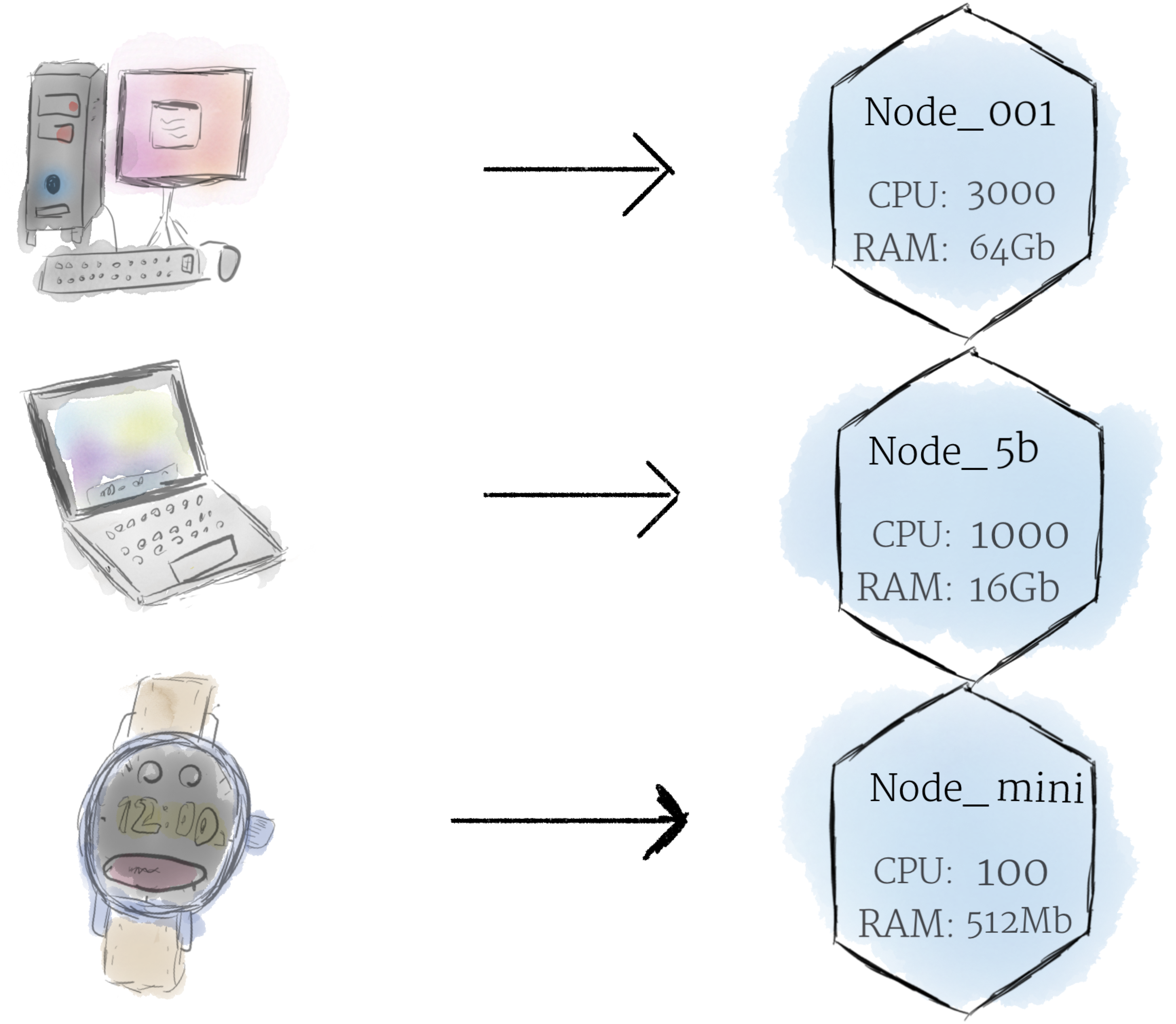
A node is the smallest unit of computing hardware in Kubernetes. It is a representation of a single machine in your cluster. In most production systems, a node will likely be either a physical machine in a datacenter, or virtual machine hosted on a cloud provider like Google Cloud Platform. Don’t let conventions limit you, however; in theory, you can make a node out of almost anything.
Thinking of a machine as a “node” allows us to insert a layer of abstraction. Now, instead of worrying about the unique characteristics of any individual machine, we can instead simply view each machine as a set of CPU and RAM resources that can be utilized. In this way, any machine can substitute any other machine in a Kubernetes cluster.
The Cluster


Although working with individual nodes can be useful, it’s not the Kubernetes way. In general, you should think about the cluster as a whole, instead of worrying about the state of individual nodes.
In Kubernetes, nodes pool together their resources to form a more powerful machine. When you deploy programs onto the cluster, it intelligently handles distributing work to the individual nodes for you. If any nodes are added or removed, the cluster will shift around work as necessary. It shouldn’t matter to the program, or the programmer, which individual machines are actually running the code.
If this kind of hivemind-like system reminds you of the Borg from Star Trek, you’re not alone; “Borg” is the name for the internal Google project Kubernetes was based on.
Comments
0 comments
Please sign in to leave a comment.